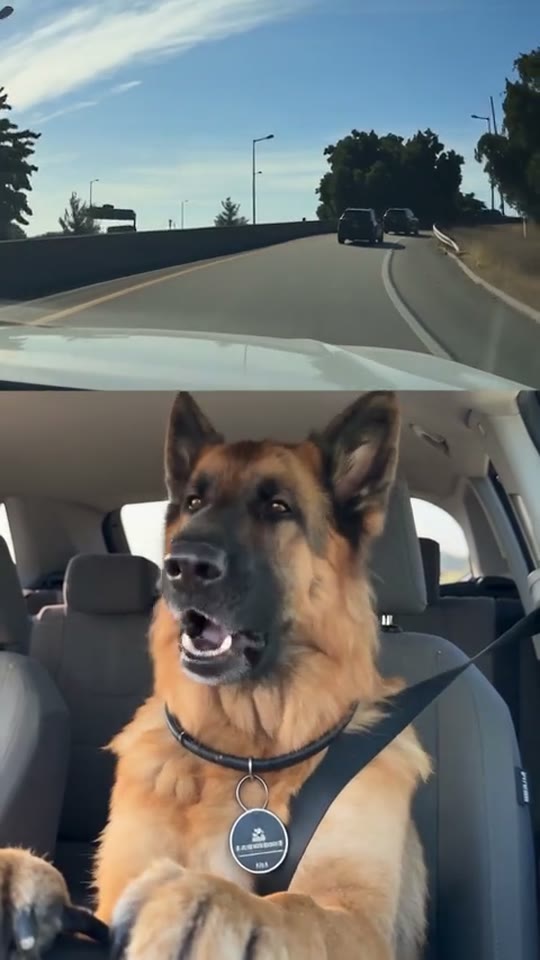
Pet photo for the car clip
Each scene asks for one portrait of one pet. The car, the seatbelt, the highway, and the sunglasses are already in the clip. Your file supplies the face.
File and framing
Use JPG, PNG, WebP, or HEIC, up to 20 MB. iPhone HEIC is converted automatically. Shoot in daylight, from the front or a slight turn, with both eyes, the nose, the ears, the chest, and a little room above the ears. A dark coat against a dark background is harder to separate, so give the face some light.
Leave sunglasses off the photo. In At the Wheel, Sunglasses Ending, and Passenger Seat, a hand from the left puts them on. In Tracksuit Ride, the front pet's paw does it.
A collar, bow, bandana, or harness that is clearly in the portrait can carry into the result. The wheel samples show that: the tabby keeps a red snowflake bandana, and the Shiba keeps a pale collar. The passenger samples show a pink bow, a green harness, a blue bandana, and an orange collar the same way.
One animal in the file
Do not upload a group, a second pet, or a person holding the animal. The slot has to know who sits down. Tracksuit Ride already contains a small pug in the back seat. That pug is not your upload, and a photo of two pets will not assign the extra face to the back seat. Put only the front-seat pet in Front-seat pet.
Human portraits are accepted by the uploader. These scenes are built around an animal in a seatbelt, so a pet photo matches the samples. Dogs and cats are the reviewed examples. Other faced pets are best-effort.
After you upload
Pick the scene in choose a clip, check the credit quote for 480p, 720p, or 1080p, and generate. Guests can download from the result page. Delete video on that page or in My Videos removes the output, turns off shares, and deletes uploads that nothing else uses. Questions about credits are on the FAQ.